Creating Agency Users
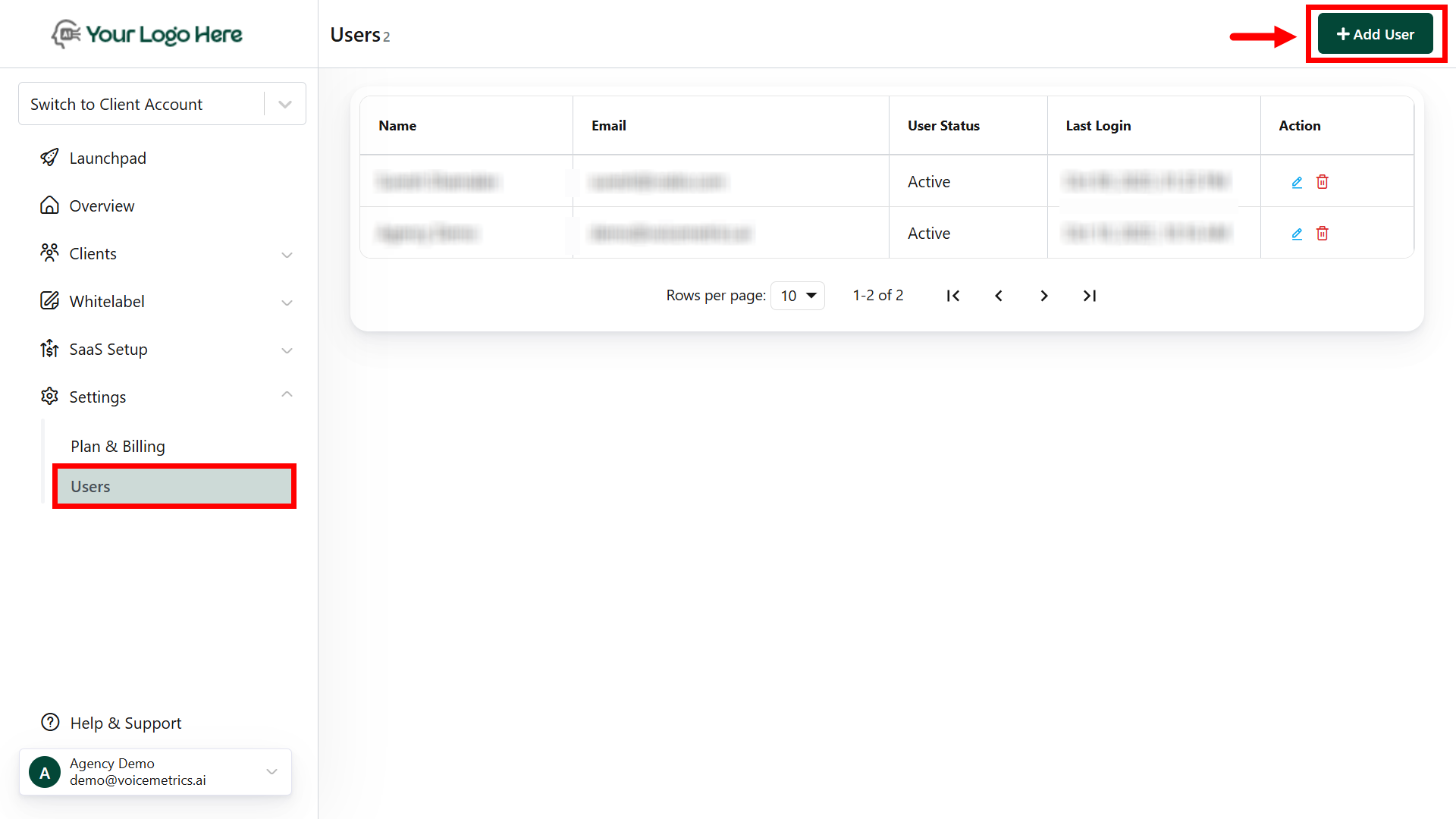
- Log in to the Agency Panel and go to Settings > Users.
- Click “Add User,” fill in the required details, generate a password, and save.
Creating Client Users
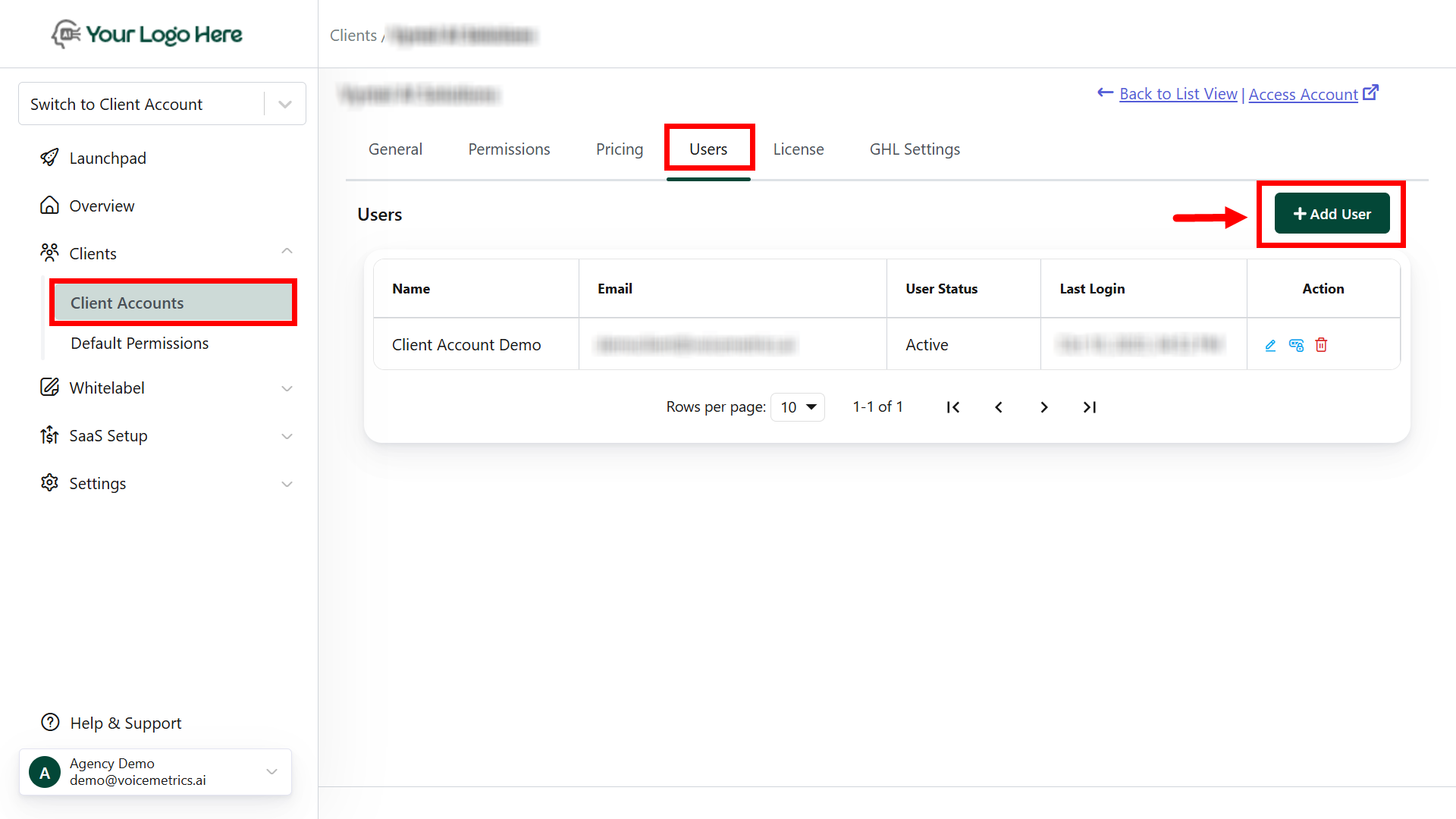
- Log in to your Agency account and navigate to Client Accounts > User tab.
- Click “Add User,” complete the details, generate a password, and save.
Reset Password for Agency Users
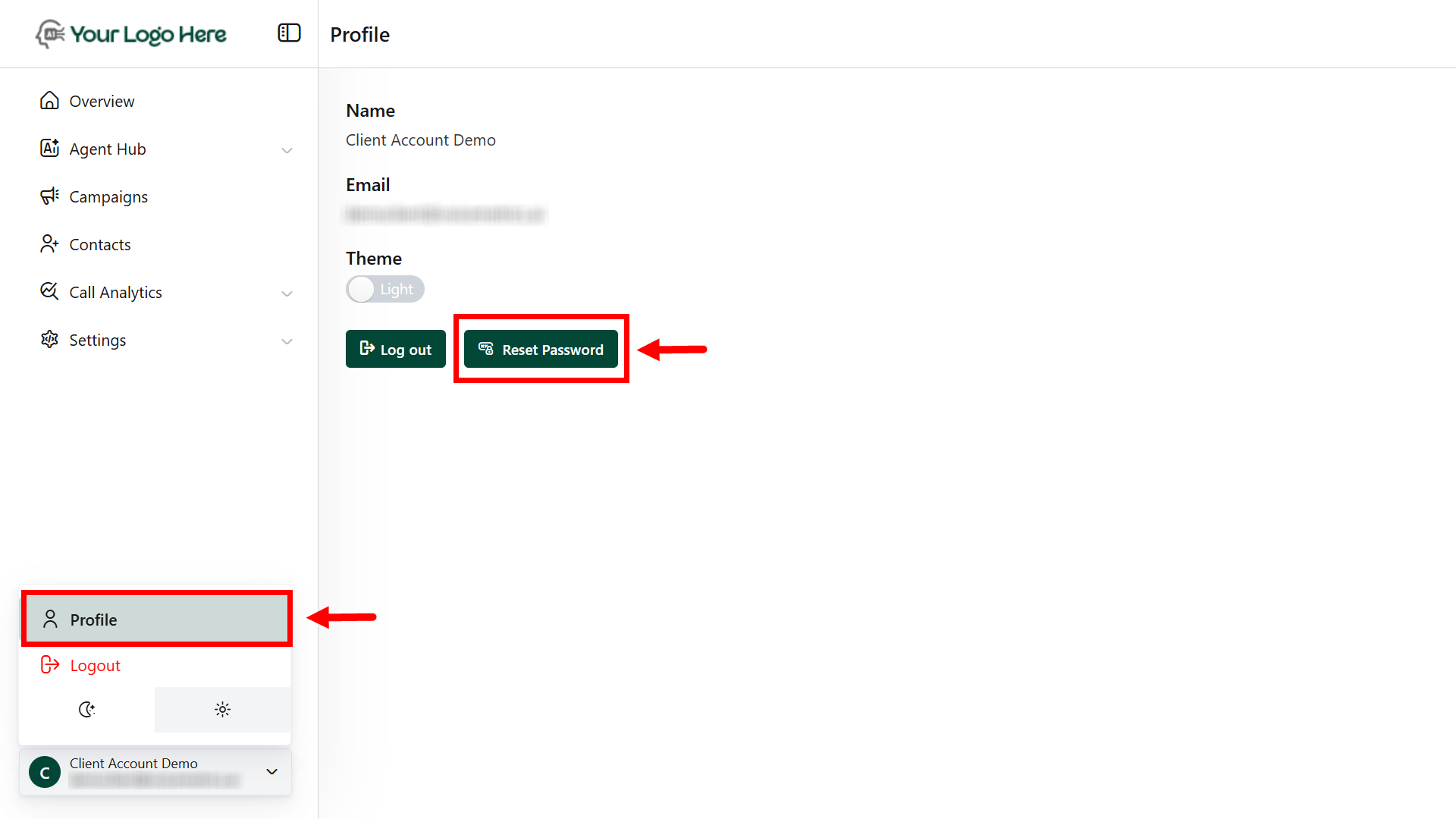
- Log in to the Agency Panel.
- Go to your profile and reset the password.
Forgot Password for Agency or Client Users
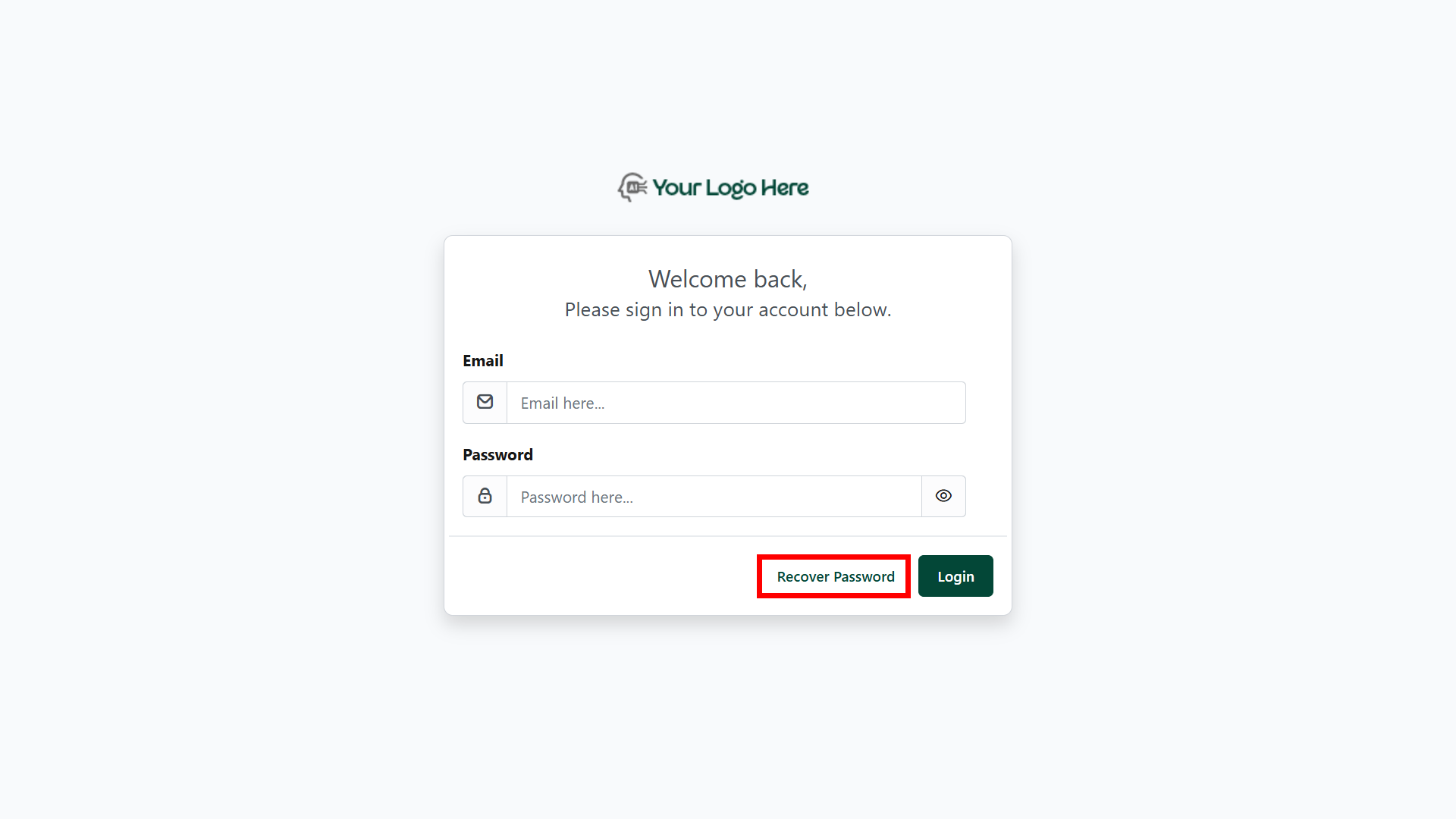
- On the login page, click “Recover Password.”
- Enter your registered email to receive a reset link.
- Use the email link to reset your password.